Cozi
Free
$0/year
- Shared calendar, to-dos, shopping lists and recipes
- Future events can be added from Agenda view for the next 30 days
- Ad-supported experience
Best for: A household already happy with basic family organization.

Cozi Free vs. Gold vs. Max
Disclosure: Nori makes a family organizer app and publishes this comparison. We use the same public plan information for both products and point out where Cozi may be the better fit.
Cozi is now a Free-versus-Gold-versus-Max decision. Before moving your calendar, check whether its basic organizer, calendar upgrades or three focused AI tools already solve the coordination work your household repeats.
By Nori Editorial Team · Reviewed September 8, 2026 · Prices and features may change


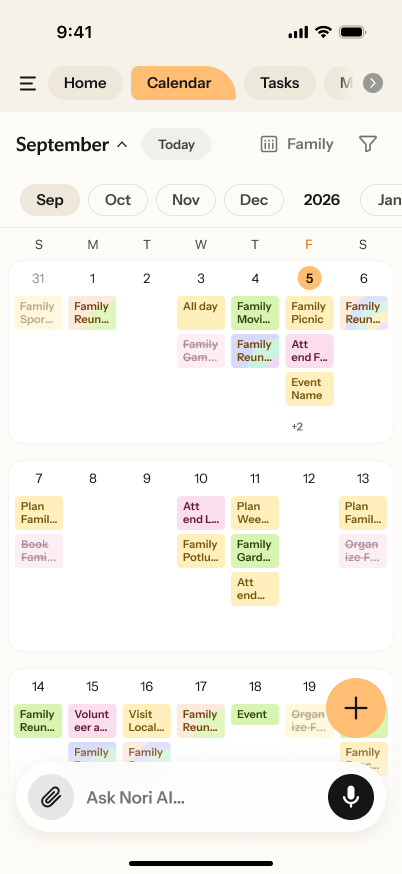
Calendar · tasks · meals · shopping
Cozi Free covers a shared calendar, to-dos, shopping lists and recipes. Gold is the $39-per-year calendar and experience upgrade. Max is the $79-per-year tier with AI Event Import, AI Recipe Creator and AI Meal Planner. If Free still covers your household’s work, there is no reason to rush a move.
Plans before a switch
Cozi
$0/year
Best for: A household already happy with basic family organization.
Cozi
$39/year
Best for: Keeping the Cozi workflow with a better calendar experience.
Cozi
$79/year
Best for: A current Cozi family that needs these three AI jobs.
Nori
$0/year
Best for: Testing a different family-planning workflow before paying for ongoing AI help.
Cozi’s public plan page currently lists Gold at $39/year and Max at $79/year. The 30-day limit refers to adding future events from Cozi Free’s Agenda view; it does not mean a calendar feed is an editable two-way sync. Prices, promotions and store availability can change.
Sources: Cozi Compare Plans, Cozi FAQ and Nori Membership.
AI scope
Cozi Max adds three named AI jobs inside a familiar organizer. Nori’s public materials describe several input methods that can help create or update family planning information. The useful decision is which specific household work you need to reduce, not whether one product “has AI.”
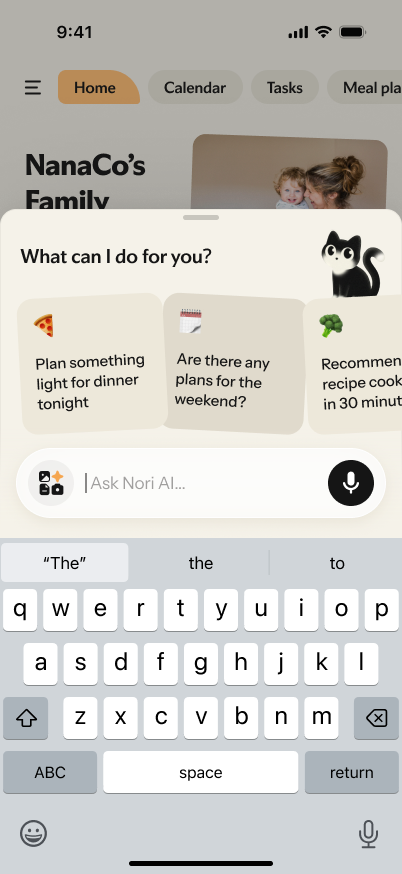
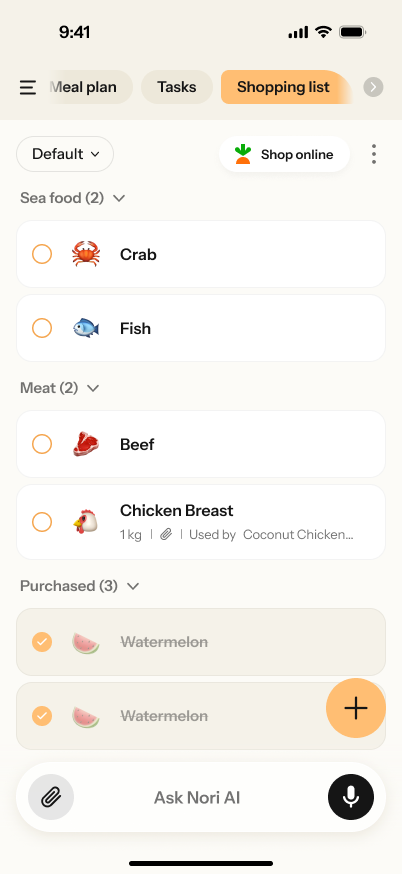
Forward it. Nori finds what matters.
Nori’s public AI material describes forwarding messages so the important family-planning details can be reviewed and organized in one shared system.
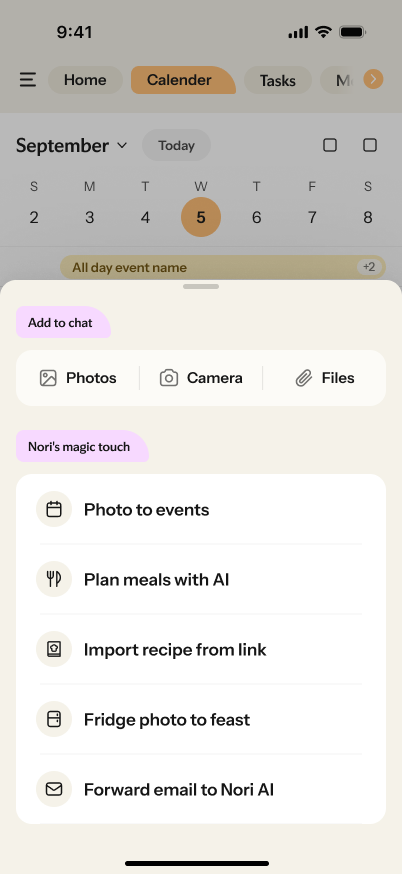
Share it once. Nori makes the plan.
Nori’s public AI material describes photo input for family-planning details. Review suggested details before relying on them in the family plan.
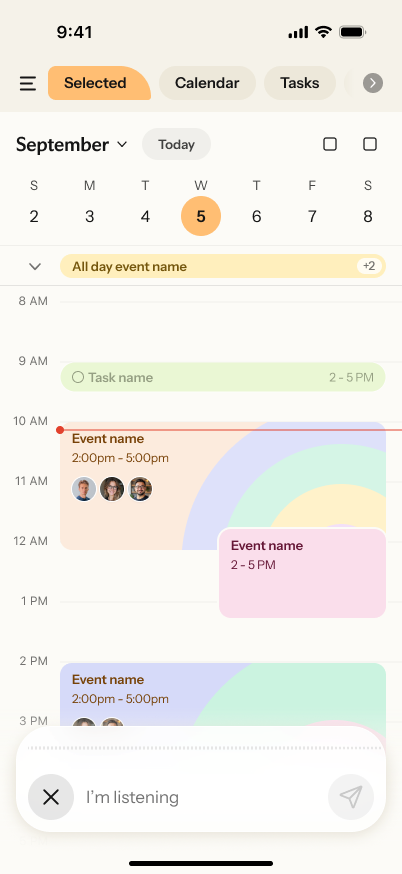
Say it once. Nori creates the work.
Voice input can help capture a spoken family request while the details are fresh. The household can then review and adjust the suggested plan.
Keep or test
Gold and Max make sense when their specific calendar and AI upgrades remove recurring work without changing how your family organizes. A separate family system becomes worth testing only when the recurring bottleneck lies outside those workflows.
Stay with Cozi Free when its shared calendar and lists are enough. Upgrade to Gold for calendar experience, or Max for its three AI jobs, when those solve an actual repeated task.
Compare Cozi plans →Consider a different setup when family information arrives through voice, messages and photos, and the hard part is keeping those inputs connected to the rest of the plan.
Use the Family App Matcher →Cautious calendar test
Do not treat a calendar feed as a full migration. Cozi describes read-only appointment feeds to and from Google Calendar, Outlook and Apple Calendar. Start with one test feed, keep the original account intact and allow the receiving calendar’s stated refresh window.
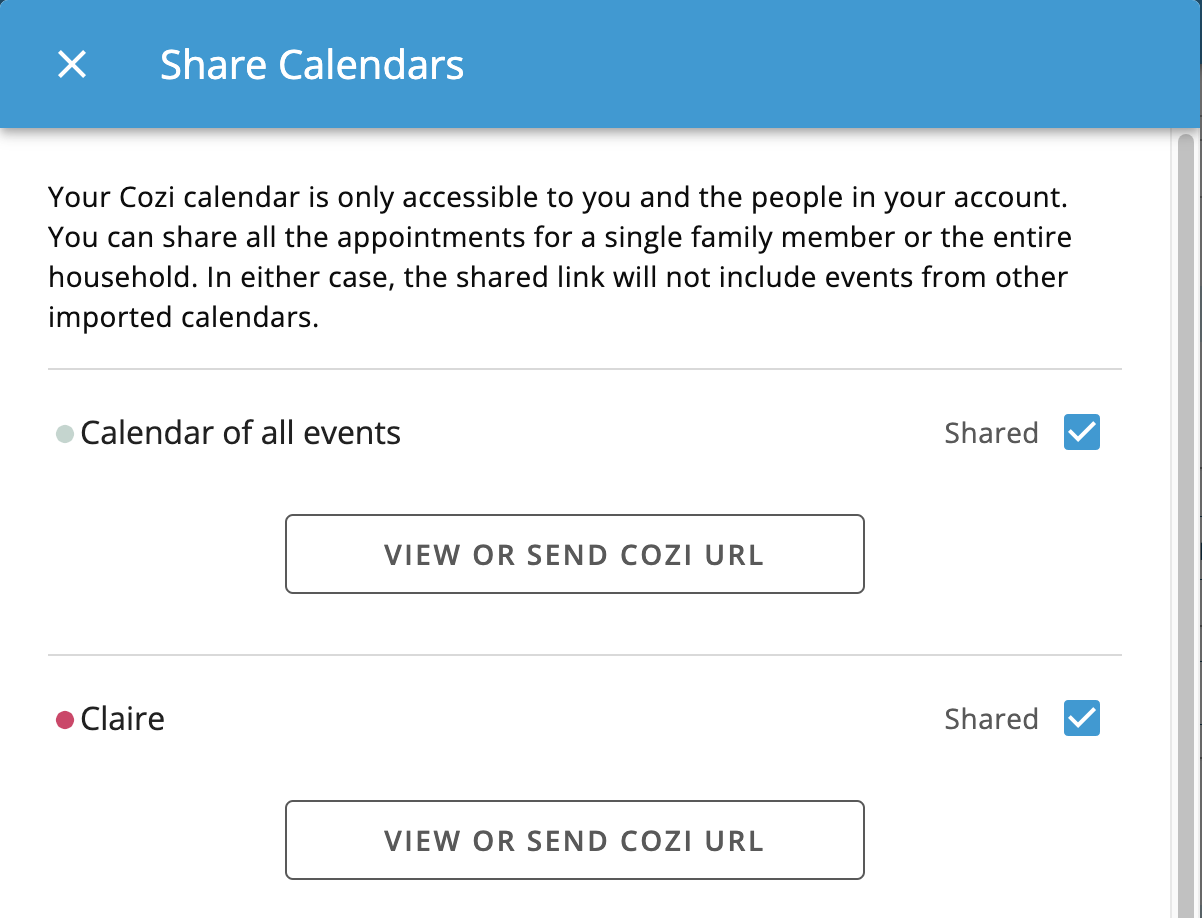
Do not delete data, cancel a subscription or change the family routine before you verify a test calendar.
In Cozi, use Settings → Shared Cozi Calendars to enable a feed for one family member or All, then copy the Cozi URL.
This creates a read-only view outside Cozi. It is not two-way editing.
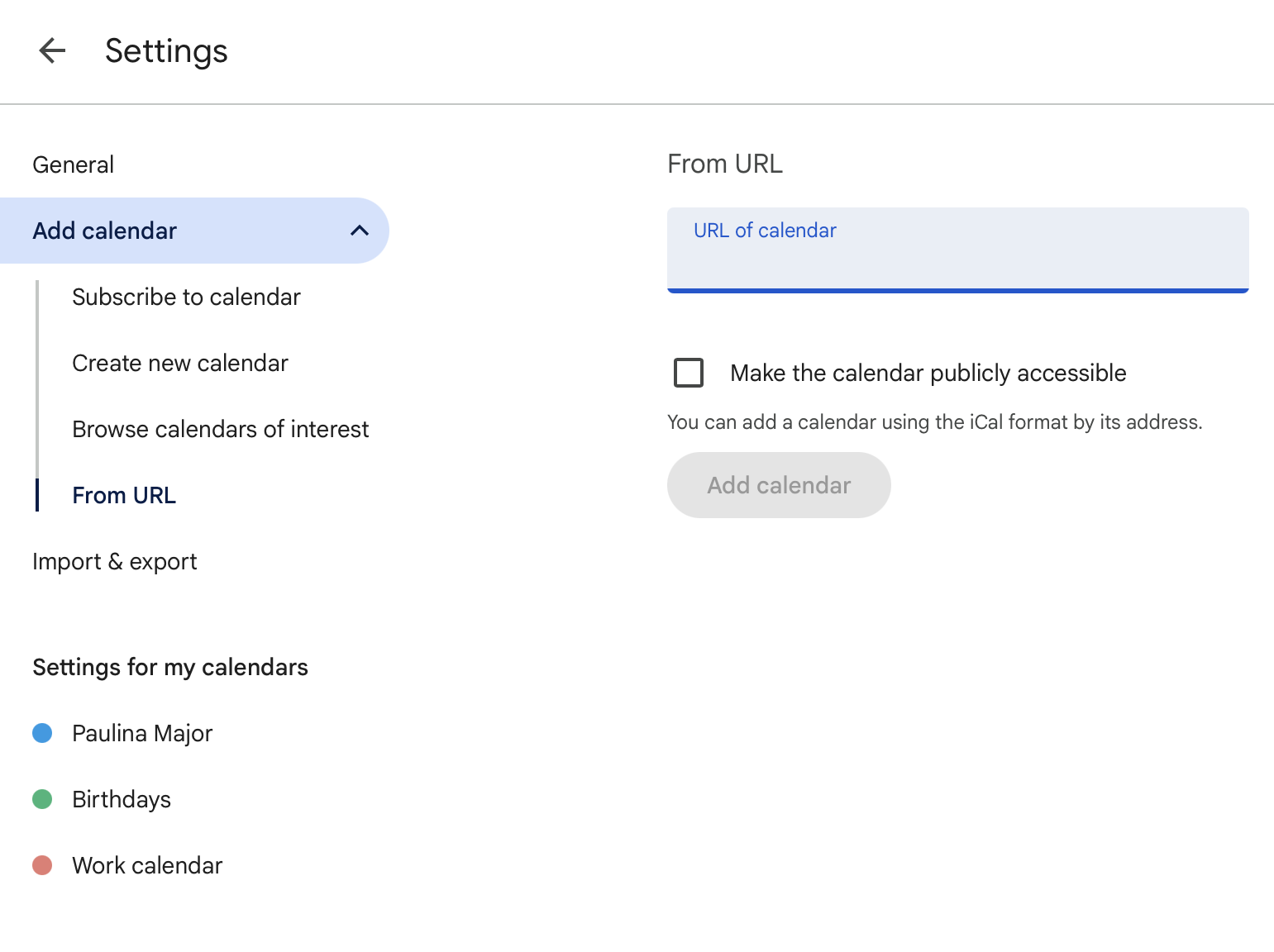
Follow the destination’s supported calendar-import instructions. Check time zone, duplicate events, recurring schedules and who can view the result.
Keep Cozi, upgrade to Gold or Max, use a read-only shared view elsewhere, or test another system only where it removes real recurring work.
Verify the destination’s current inbound-calendar compatibility before treating a read-only feed as a migration route.
Need a school-schedule workflow rather than a full app switch? Read how to organize school schedules in one family calendar →
Cozi pricing & migration FAQ